How the Right Book Size Can Help Reduce Printing Costs
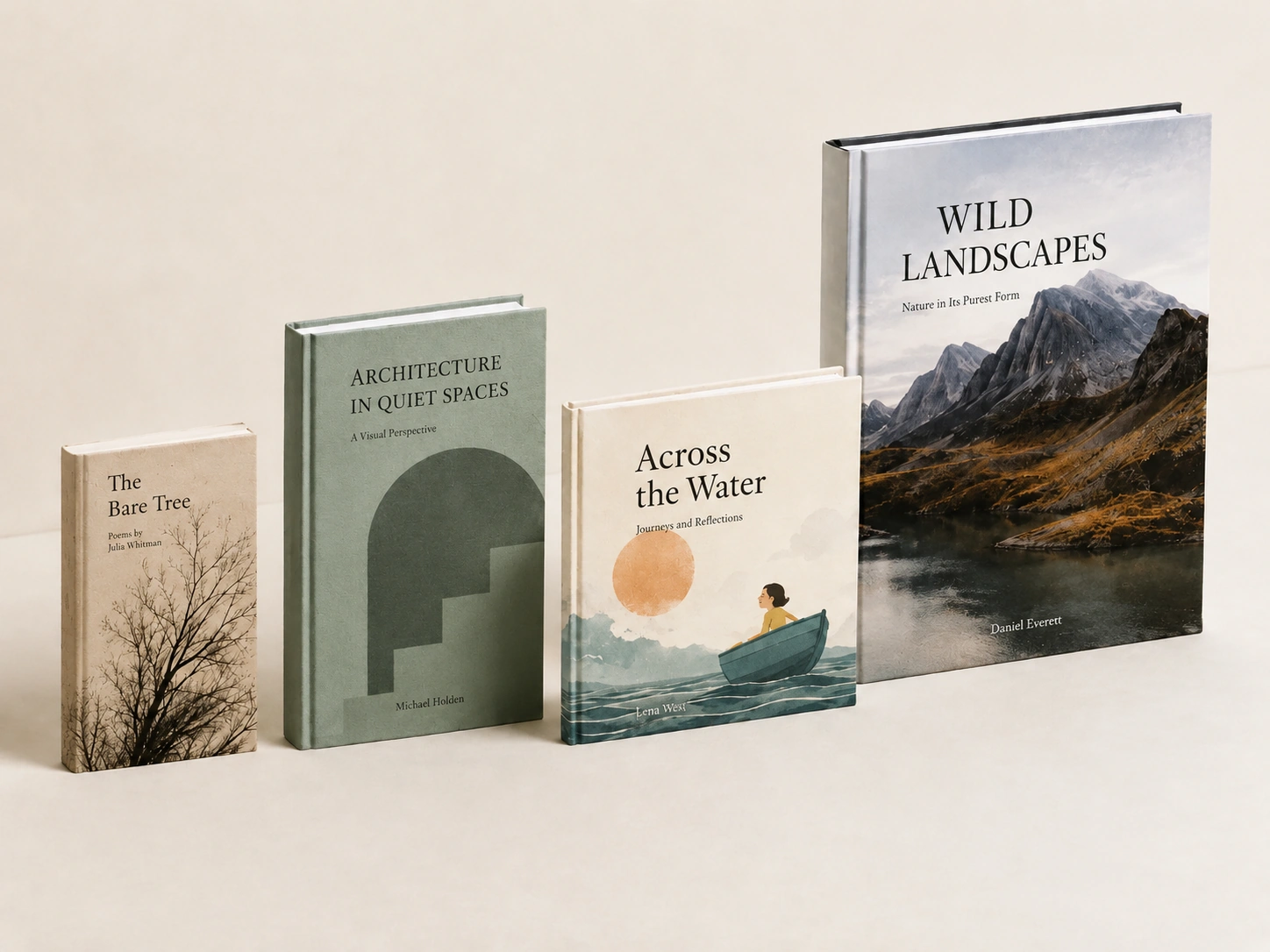
When planning a custom book printing project, most buyers first focus on paper type, binding method, page count, and finishing options. However, one important factor is often overlooked: book size.
The trim size of your book can directly affect paper usage, printing efficiency, binding setup, and the final unit cost. Choosing a production-friendly size does not mean lowering quality. In many cases, it simply means using standard printing sheets more efficiently and avoiding unnecessary waste.
This guide explains how book size influences printing cost, which sizes are usually more economical, and how to plan your page count for better production efficiency.
Why Book Size Affects Printing Cost
Book printing is not calculated only by the final size of one finished copy. In offset printing, pages are arranged together on large parent sheets before they are folded, gathered, and bound. This process is called imposition.
When a book size fits efficiently on the parent sheet, more pages can be printed with less paper waste. This can reduce:
- Paper consumption
- Printing plate usage
- Press setup time
- Folding and binding complexity
- Overall production cost
If the trim size does not fit well on standard press sheets, the printer may need to use more paper, create less efficient layouts, or handle additional setup steps. These small changes can quietly increase the price per copy.
Standard Sizes Are Usually More Cost-Effective
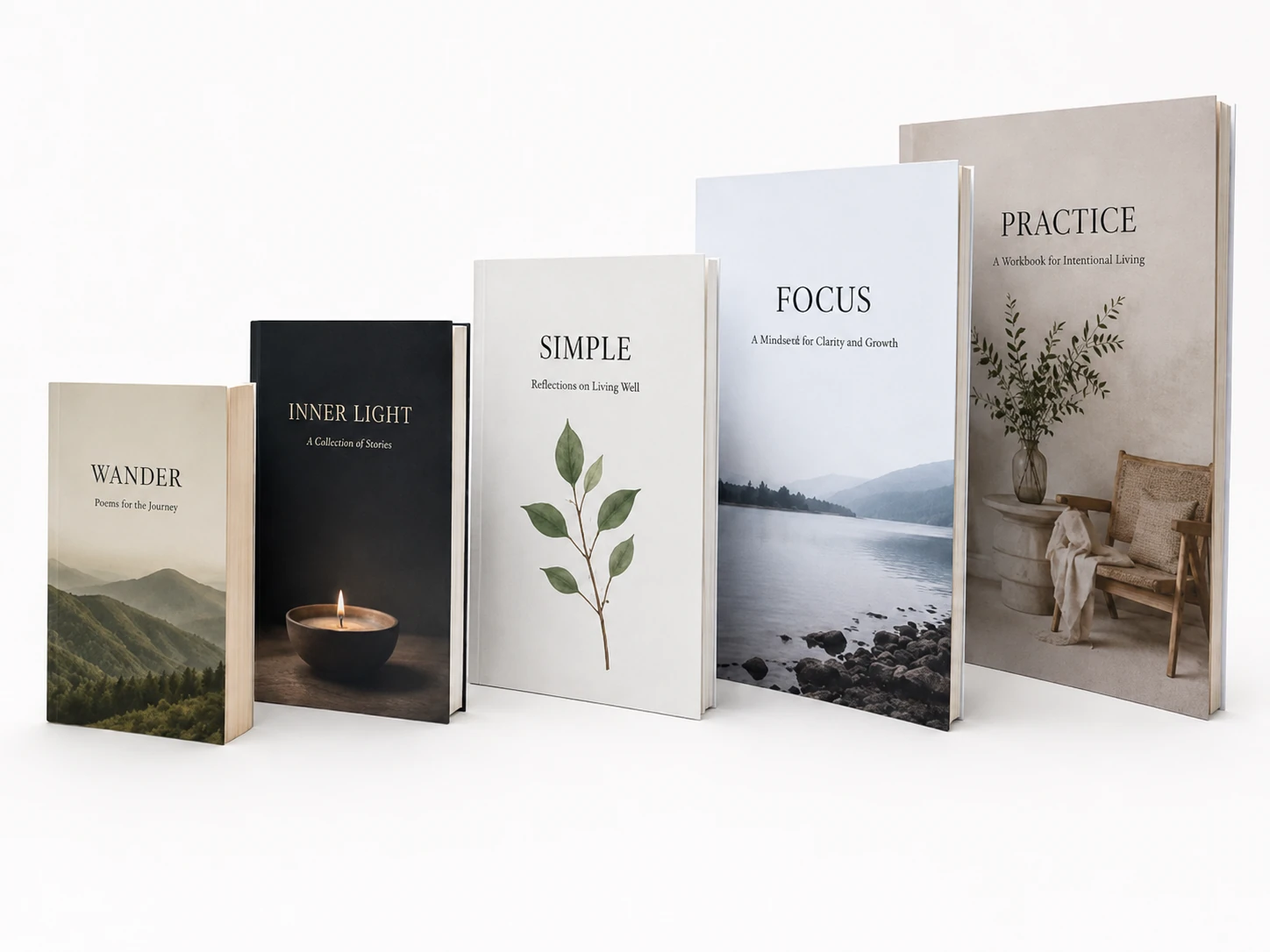
Some book sizes are more economical because they work well with common printing sheet sizes. For many book projects, efficient trim sizes include:
- 5.5″ × 8.5″
- 6″ × 9″
- 8.5″ × 11″
- A5: 148 × 210 mm
- A4: 210 × 297 mm
- 130 × 185 mm
- 185 × 260 mm
Among these, smaller standard sizes such as 5.5″ × 8.5″ and A5 are often the most cost-efficient choices, especially for novels, manuals, children’s books, workbooks, and general publishing projects.
Larger formats such as 8.5″ × 11″ or A4 may cost more, but they can still be efficient when the layout requires more space for illustrations, photography, educational content, or workbook exercises.
The Role of Page Count and Signatures
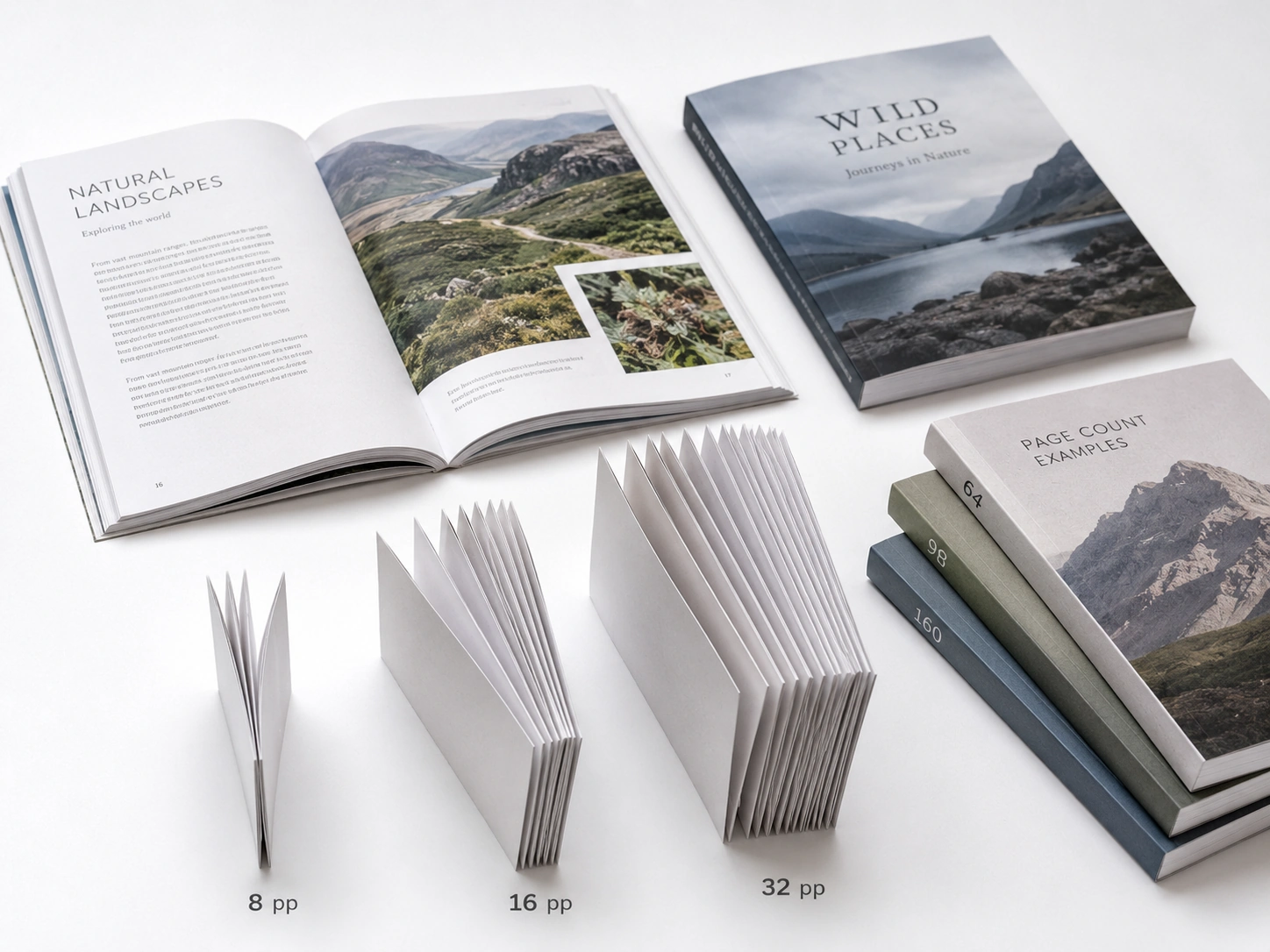
Book pages are usually printed and folded in groups called signatures. Depending on the book size, paper type, and press setup, a signature may commonly contain 8, 16, or 32 pages.
This is why page count matters so much.
For example, if your book is designed at a smaller trim size, the printer may be able to produce it efficiently in 32-page signatures. In that case, page counts such as 64, 96, 128, 160, or 192 pages are often more production-friendly.
For larger formats, 16-page signatures may be more common, so page counts such as 64, 80, 96, 112, or 128 pages may be easier to arrange efficiently.
A book with 128 pages may sometimes be more economical than a book with 124 pages, even though it has more pages. This happens because 128 pages can form complete signatures, while 124 pages may require partial signatures, extra setup, or blank filler pages.
Why a Few Extra Pages May Save Money
It may sound surprising, but adding pages can sometimes lower the unit cost.
For example, a 64-page book can be more efficient than a 60-page book if 64 pages form complete signatures. A 60-page book may need a combination of full and partial signatures, which can increase setup work and binding complexity.
This is especially important for buyers who are close to a signature multiple. Before finalizing the artwork, it is worth asking the printer whether adding or removing a few pages could improve production efficiency.
In many cases, adjusting the page count slightly can help reduce waste and create a cleaner production plan.
Smaller Size Does Not Always Mean Better Value
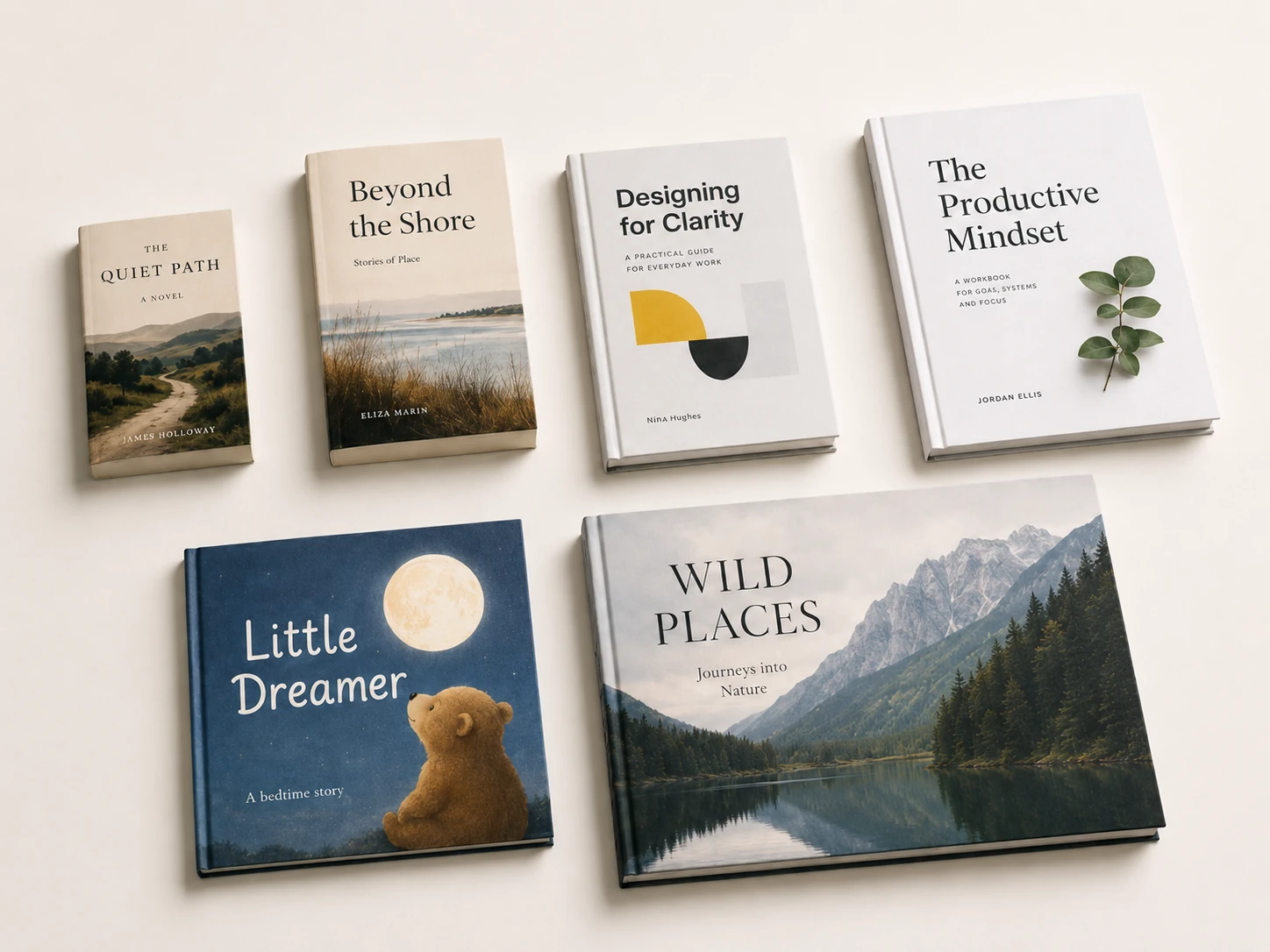
Although smaller books often cost less, the cheapest size is not always the best choice for every project.
For example, a novel or pocket guide may work well at 5.5″ × 8.5″ or A5. But an art book, photography book, textbook, workbook, or catalog may need a larger page size to display images and content clearly.
The best trim size should balance:
- Printing cost
- Readability
- Image presentation
- Binding strength
- Shipping weight
- Retail positioning
- Target audience expectations
For a premium coffee table book, choosing a larger format may be necessary to create the right visual impact. For a workbook, larger pages may improve usability. For a text-heavy paperback, a smaller standard size may offer better value.
Binding Method Also Changes the Cost
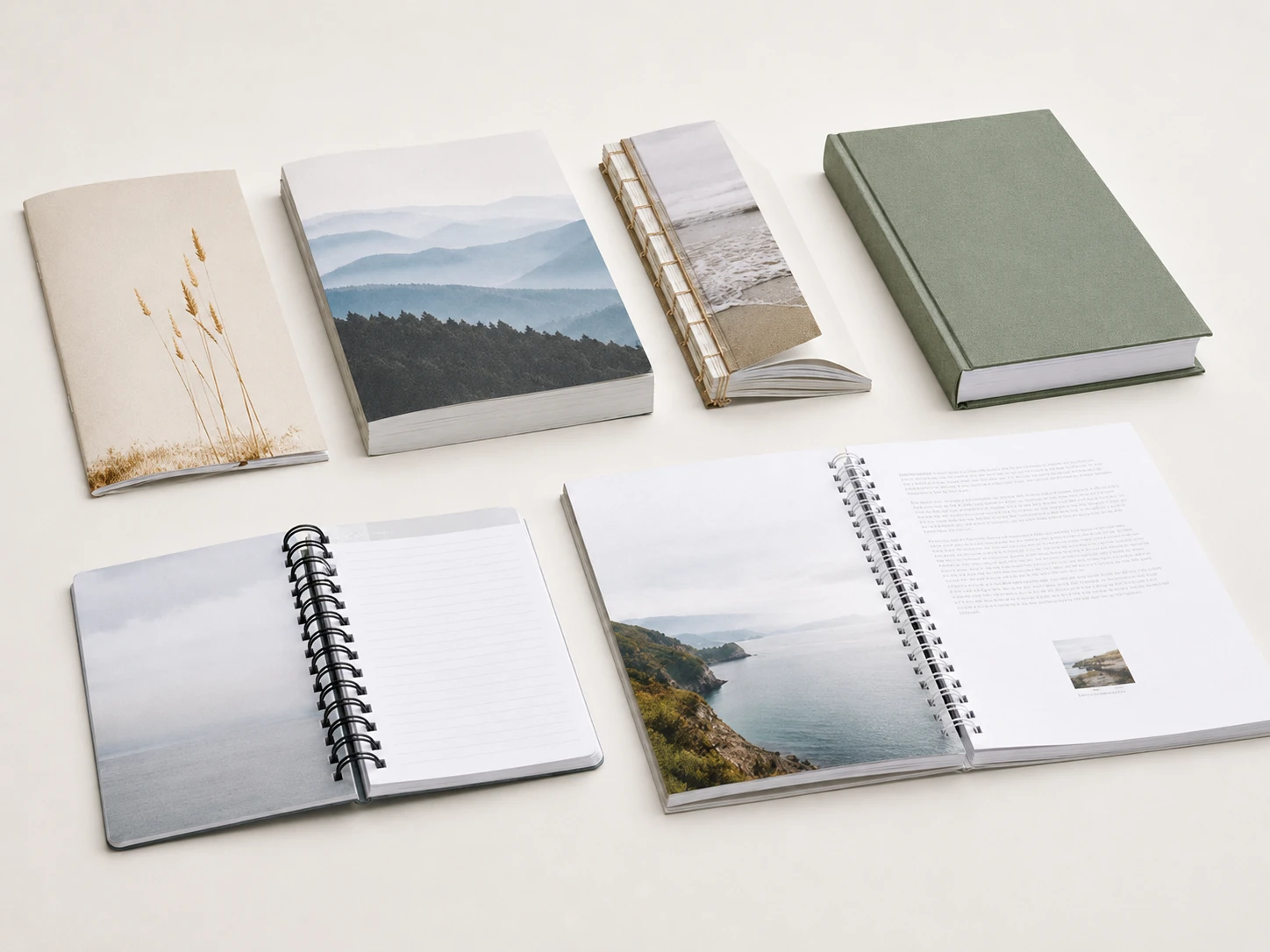
Book size and page count are only part of the cost structure. Binding also plays an important role.
In general, common binding methods may follow this cost order from lower to higher:
1. Saddle stitching
2. Perfect binding
3. Sewn perfect binding
4. Wire-O binding
5. Spiral binding
6. Sewn hardcover binding
7. Hardcover with special structures or finishing
If your project has a flexible budget, choosing an efficient trim size and a suitable binding method together can make a big difference.
For example, a softcover book with perfect binding may be more economical than a sewn hardcover book. However, if durability and long-term use are important, sewn binding or hardcover binding may be worth the additional cost.
Practical Tips for Reducing Book Printing Cost
Before confirming your final book specification, consider the following suggestions:
1. Choose a standard trim size when possible
Standard sizes usually create less paper waste and allow better imposition. This can help reduce the cost per copy.
2. Ask your printer about efficient page counts
Do not finalize your page count too early. Ask whether your book should be adjusted to a multiple of 16 or 32 pages.
3. Avoid unusual sizes unless they are necessary
Custom sizes can look unique, but they may increase paper waste and production complexity.
4. Match the size to the book’s purpose
A novel, workbook, children’s book, catalog, and coffee table book all have different layout needs. The most economical size should still support the reading experience.
5. Compare several specifications before production
If your project is flexible, request pricing for two or three trim sizes. The cost difference may be significant, especially for large print runs.
Best Book Sizes for Different Projects
Here are some general recommendations:
Novels and Text-Heavy Books
Recommended sizes:
- 5.5″ × 8.5″
- 6″ × 9″
- A5
- 130 × 185 mm
These sizes are comfortable to hold, easy to read, and usually cost-effective.
Workbooks and Educational Books
Recommended sizes:
- 8.5″ × 11″
- A4
- 185 × 260 mm
Larger pages provide more space for exercises, diagrams, tables, and note-taking.
Children’s Books
Recommended sizes:
- 8″ × 8″
- A4
- Custom square or landscape formats
Children’s books often require stronger visual impact, so the size should be chosen based on illustrations and age group.
Art Books and Coffee Table Books
Recommended sizes:
- A4
- Large square format
- Custom large format
These books usually prioritize image presentation and premium appearance over the lowest unit cost.
Final Thoughts
Choosing the right book size is one of the simplest ways to control printing costs without reducing product quality. A production-friendly trim size can improve paper usage, reduce setup waste, and make binding more efficient.
Before you finalize your book design, discuss the trim size and page count with your printer. A small adjustment in size or page count may help you achieve a better balance between cost, quality, and presentation.
If you are planning a custom book printing project, prepare your target size, page count, paper type, binding method, and quantity. With these details, your printer can recommend the most economical production plan for your book.