Children’s Picture Book Size Guide for Self Publishers
Standard children’s picture book trim sizes include 7″ x 10″, 8″ x 10″, 10″ x 8″, 8″ x 8″, and 10″ x 10″ (width x height), based on 2026 printing industry specs. This Children’s Picture Book Size Guide recommends a square 8″ x 8″ or landscape 10″ x 8″ for most first-time self-publishers, since both balance illustration space with affordable printing. Larger trims like 10″ x 10″ can raise per-book cost by a few dollars, so confirm Amazon KDP and IngramSpark limits before writing.
This Children’s Picture Book Size Guide answers the questions that actually change your budget and what the reader experiences: What are the standard trim sizes, and which one suits your story best? How do portrait, landscape, and square formats differ for young readers? What page count, bleed, and margin rules apply here? How does the trim size affect the printing cost per copy? And which sizes do Amazon KDP and IngramSpark actually support?
Quick Takeaways
- Five standard trims dominate: 7×10, 8×10, 10×8, 8×8, and 10×10 inches.
- Choose square 8×8 for balanced illustration space and lower printing costs.
- Pick landscape 10×8 to showcase wide two-page spread artwork best.
- Add 0.125″ bleed on all sides for full-page illustrations.
- Use 8.5″ square trim—the only square supported by both KDP and IngramSpark.
What size should a children’s picture book be?
The go-to size for a children’s picture book is 8.5″ x 8.5″ square for ages 3 to 5, or 8″ x 10″ portrait for story-driven books. The 8.5″ square is the only square trim you can get on both Amazon KDP and IngramSpark, which basically makes it the safest default for self-publishers who print books one at a time as orders come in. Beyond that, you want to match the size to the reader’s age and to how the book actually gets read. Books read aloud on a lap, where a parent holds the pages toward a toddler, work best square or slightly wide.
Books a child reads sitting up and alone tend to lean portrait, and board books for babies stay small so tiny hands can grip them.
These three formats really cover about 90% of self-published picture books:
- 8.5″ x 8.5″ square: ages 3–5, lap-reading, the print-on-demand-safe default that comes out identical on both KDP and IngramSpark. It pairs nicely with the standard 32-page count.
- 8″ x 10″ portrait: longer narrative stories, ages 4–8, where vertical scenes and taller characters need room to breathe. This is one of the most tried-and-true formats on Amazon KDP.
- 10″ x 8″ landscape: wide sweeping spreads, big horizons, and side-by-side character action. It works great for wordless or double-page illustration books.
The size gets locked in early because trim size, which is the final cut dimensions of the printed page, essentially drives your illustration brief, your page count math, and your print cost. LeadWorks recommends locking the trim before an illustrator draws a single frame, since redrawing artwork that runs edge to edge after a size change means paying for it twice.
You should skip oversized custom trims if you print on demand. A 12″ x 12″ coffee-table format looks stunning, but it often falls outside the standard print-on-demand size menus, which forces you into a costly bulk print run instead. When you pick a standard size, your Children’s Picture Book Size Guide decisions stay cheap and easy to repeat.
What are the standard picture book sizes in inches and cm?
The standard picture book sizes are 8″ x 8″ (20.3 x 20.3 cm), 8.5″ x 8.5″ (21.6 x 21.6 cm) square, 8″ x 10″ (20.3 x 25.4 cm) portrait, 10″ x 8″ (25.4 x 20.3 cm) landscape, and 8.5″ x 11″ (21.6 x 27.9 cm). Publishers most often use 7″,10″ trim widths.
Pick your size before you brief an illustrator.
Trim size means the final cut dimensions of your printed page. Here is a printable-ready reference with both units. To convert, multiply inches by 2.54 to get centimeters.
| Trim size (inches) | Metric (cm) | Orientation | Best fit |
|---|---|---|---|
| 8 x 8 | 20.3 x 20.3 | Square | Board books, ages 2–6 |
| 8.5 x 8.5 | 21.6 x 21.6 | Square | KDP + IngramSpark default |
| 10 x 10 | 25.4 x 25.4 | Square | Large, art-heavy stories |
| 8 x 10 | 20.3 x 25.4 | Portrait | Traditional read-aloud |
| 7 x 10 | 17.8 x 25.4 | Portrait | Early readers |
| 10 x 8 | 25.4 x 20.3 | Landscape | Wide panoramic scenes |
| 8.5 x 11 | 21.6 x 27.9 | Portrait | Activity / educational |
A note many size guides skip: A4 (21 x 29.7 cm, or 8.27″ x 11.69″) is a European paper standard, not a trim size on most print-on-demand platforms. If you target Amazon KDP, avoid A4 and pick 8.5″ x 11″ instead.
The 8.5″ x 8.5″ square is the only square trim available on both KDP and IngramSpark, which is why it dominates self-publishing.
Square sizes read as modern and playful, portrait suits classic bedtime stories, and landscape gives you a wide canvas for cross-spread artwork, though the cross-spread layout costs more to lay out. LeadWorks advises locking your trim early, since every millimeter shift forces your illustrator to redraw full-bleed spreads.
Which picture book size fits each age group and reading stage?
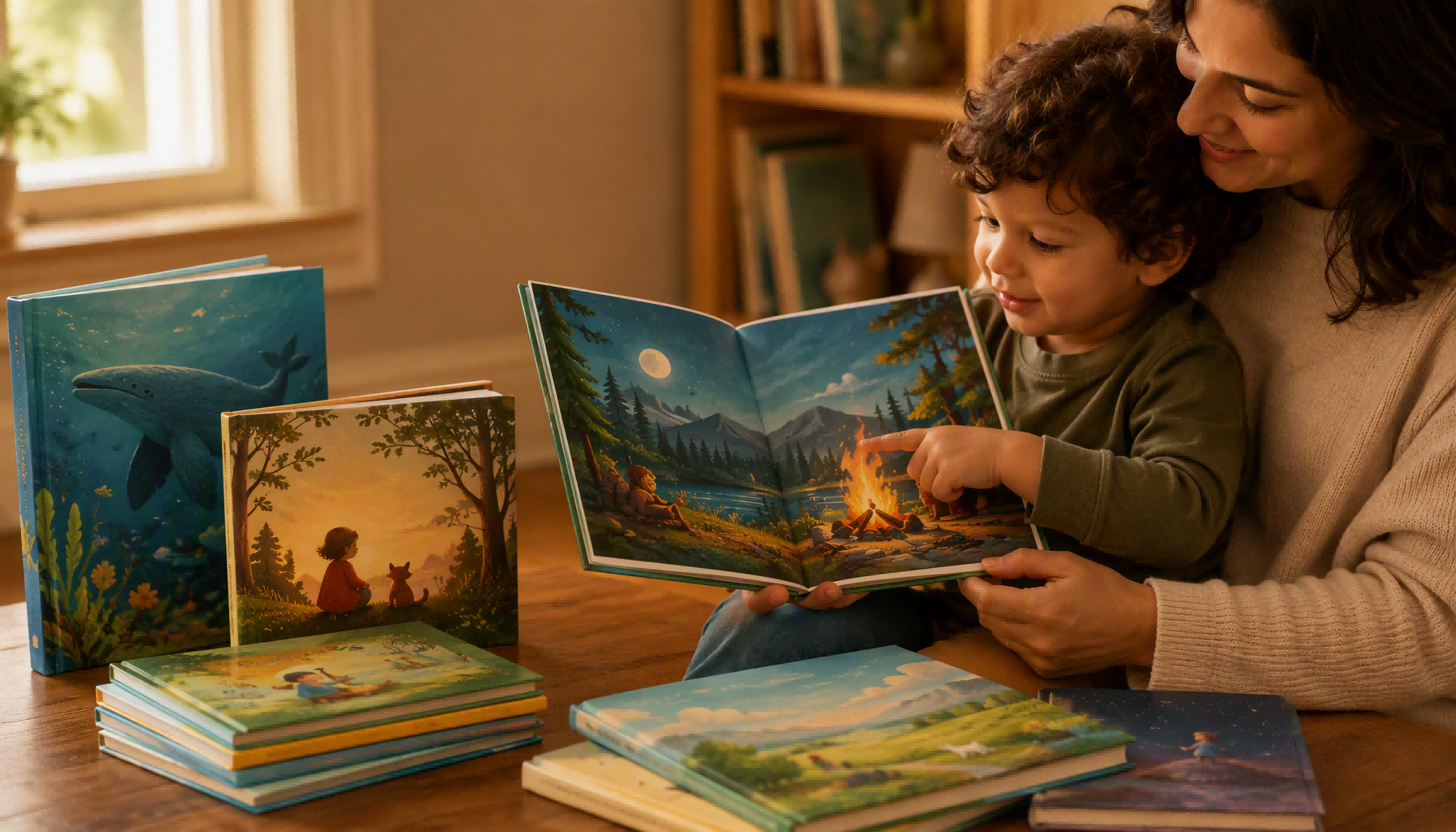
Match the trim size, which is basically the finished width and height of the book, to how the child actually holds it. Babies aged 0 to 3 need small, sturdy board books measuring 6″ x 6″ or 7″ x 7″. Kids aged 3 to 5 do best with larger square or landscape formats around 8.5″ x 8.5″ for lap-reading. Early readers aged 5 to 8 can handle portrait books like 8″ x 10″ on their own.
⚠️ Common mistake: Choosing an 8″x8″ square trim expecting it to print everywhere. This happens because most guides list 8″x8″ as “standard,” but only 8.5″x8.5″ is supported by both Amazon KDP and IngramSpark. The fix: default to 8.5″x8.5″ square so you can distribute through both platforms without redesigning your interior files later.
Why do board books for ages 0–3 stay small?
Board books for babies stay small because tiny hands can grip a 6-inch board without dropping it, and the trim is either 6″ x 6″ or 7″ x 7″ with just 10 to 30 thick cardboard pages. The bold, simple pictures fill each page completely because a toddler really can’t take in fine detail yet. Bigger trims add weight and floppy pages that tear easily, which is the opposite of what a chewing, throwing 18-month-old needs.
What makes 8.5″ x 8.5″ ideal for read-alouds at 3–5?
Ages 3 to 5 are the lap-reading stage, meaning a parent holds the book while a child sits alongside, and both of them need to see the art at the same time. The 8.5″ x 8.5″ square works well because it’s the only square trim offered on both Amazon KDP and IngramSpark, so a shared-lap book prints identically no matter where you distribute it. A landscape 10″ x 8″ spreads even wider, giving illustrators room for wide, panoramic scenes. Pair it with 32 pages, which is the industry-standard count that parents and librarians tend to expect.
Why do early readers 5–8 shift to portrait formats?
Early readers move to portrait formats because they hold the book themselves at a desk or in bed, and a tall 8″ x 10″ portrait sits comfortably in two small hands while leaving a clear column of text below the artwork. This footprint supports 32 to 40 pages, with more words on each page as the sentences grow more complex.
| Age / Stage | Trim size | Page count | Reading mode |
|---|---|---|---|
| 0–3 (board book) | 6″ x 6″ or 7″ x 7″ | 10–30 | Held by baby |
| 3–5 (read-aloud) | 8.5″ x 8.5″ | 32 | Shared lap |
| 5–8 (early reader) | 8″ x 10″ | 32–40 | Independent |
As this Children’s Picture Book Size Guide shows, LeadWorks recommends locking your trim to the age band before illustration begins, since board-book gluing and standard perfect-binding call for completely different production setups right from the start.
What trim size and bleed constraints do KDP, IngramSpark and other POD services enforce?
Amazon KDP and IngramSpark share exactly one overlapping square trim size for full-color picture books, and that’s 8.5″ x 8.5″. It’s the only square trim available on both platforms (2026), which is why most self-published picture book guides treat it as the safe default choice. Both of them require 0.125″ bleed on every outer edge if you want your art to run all the way to the edge.
Get the bleed wrong and your file simply bounces back. Bleed is extra artwork that runs past the trim line so that no thin white slivers show up after the blade cuts the page. You’ll want to plan illustrations at 300 DPI and extend the background 0.125″ beyond each trim edge, as the sizing guides recommend (2026). Skip the bleed altogether and your full-page scenes will either get rejected or print with unwanted white borders around them.
Which trim sizes does KDP not support for full-color picture books?
KDP doesn’t offer 10″ x 10″ or 9″ x 9″ square trims for its full-color paperback picture books at all. Authors who happen to design at those popular sizes will need to resize their files or move over to IngramSpark instead. KDP’s picture-book-friendly list really centers on the 8.5″ x 8.5″ square, plus 7″ x 10″ and 8.5″ x 11″ portrait options.
| Constraint | Amazon KDP | IngramSpark |
|---|---|---|
| Square trim for color | 8.5″ x 8.5″ only | 8.5″ x 8.5″, 9″ x 9″, 10″ x 10″ |
| Common portrait | 7″ x 10″, 8.5″ x 11″ | 8″ x 10″, 8.5″ x 11″ |
| Bleed per edge | 0.125″ | 0.125″ |
| Min image resolution | 300 DPI | 300 DPI |
How does offset printing change these rules?
Offset printing lifts the print-on-demand trim-menu limits entirely. Printers like LeadWorks can produce custom trim sizes, oversized formats, and true edge-to-edge board books once you print in runs of a few hundred copies or more. That kind of freedom really matters for board books at 6″ x 7″, which no major print-on-demand service handles well. And if your design needs a size that KDP rejects, then offset is genuinely the path forward rather than some sort of compromise. This is why any serious Children’s Picture Book Size Guide points you toward offset once you outgrow what the standard platforms will allow.
How does trim size affect illustration costs, illustration layout and reader experience?
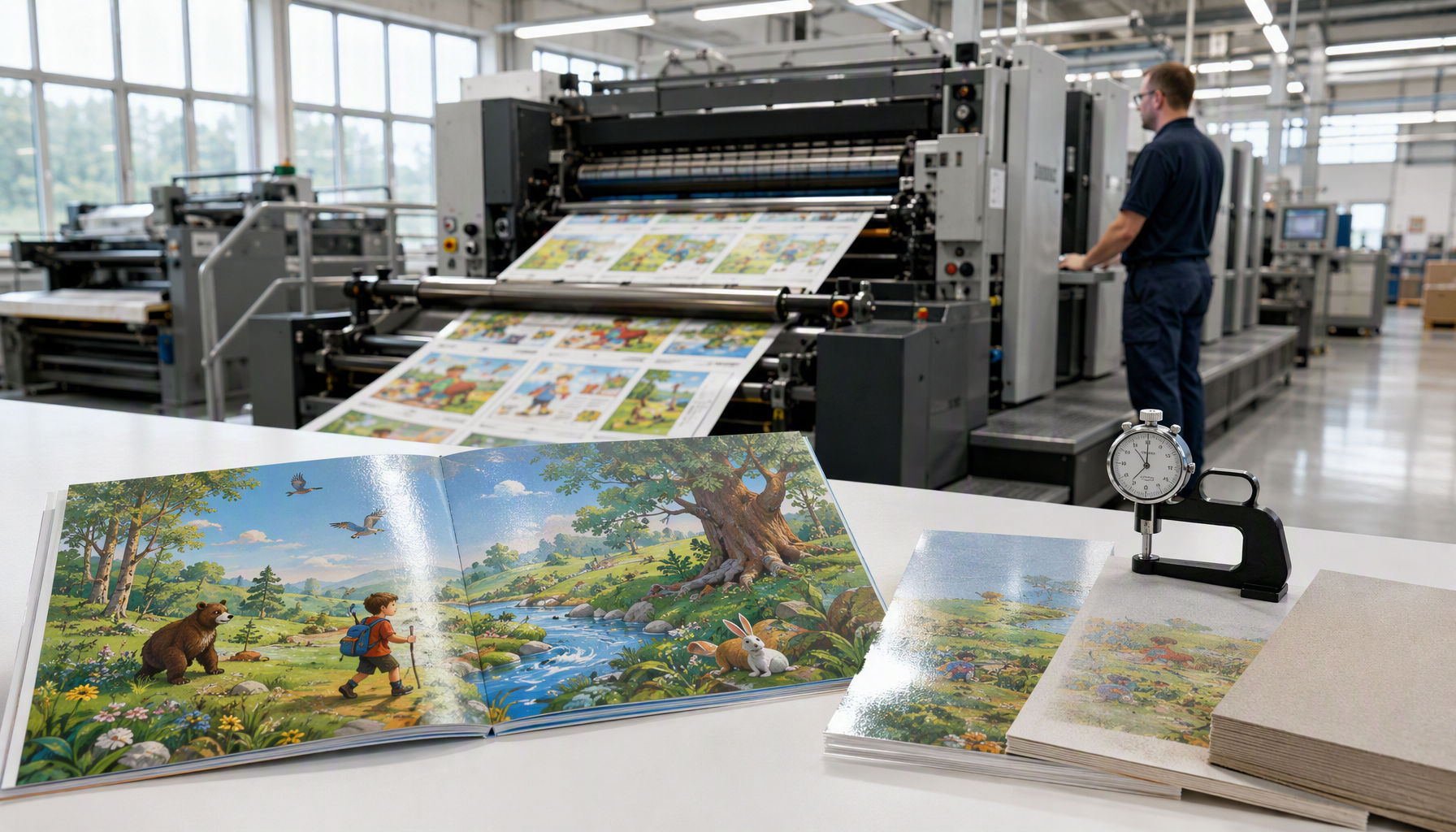
A larger trim size raises illustration cost, complicates gutter layout, and changes how a child grips the book. Jumping from 8.5″ x 8.5″ to 10″ x 10″ grows the canvas area by approximately 38%. At the standard 300 DPI print resolution, that means more pixels to paint per spread, and illustrators price by area, so your art fees climb with it.
Why does a bigger canvas cost more to illustrate?
A bigger canvas costs more because illustrators charge per painted area, not per book. A 10″ x 10″ spread holds 100 square inches versus 72.25 for an 8.5″ square, roughly 38% more surface to render, texture, and color-correct. At 300 DPI, a full 10″ x 10″ bleed image is 3,075 x 3,075 pixels. That extra detail adds hours in painting, cleanup, and file management.
Non-standard sizes cost even more. A custom 9.5″ x 11″ trim forces the artist to build fresh templates, since existing 8.5″ square guides won’t reuse. Expect a 15,approximately 25% premium over stock formats for that setup work.
How does trim size complicate gutter and margin layout?
Trim size complicates layout because larger books swallow more art into the gutter, the inner margin near the spine where pages bind together and the paper curves. Keep critical elements, a character’s face, key text, at least 0.5″ from the gutter, plus the 0.125″ bleed each guide recommends for edge-to-edge printing.
| Trim size | Spread area | Illustration cost impact |
|---|---|---|
| 8.5″ x 8.5″ | 144.5 sq in | Baseline |
| 10″ x 10″ | 200 sq in | +38% canvas |
| Custom 9.5″ x 11″ | 209 sq in | +15–approximately 25% template setup |
How does size shape the physical reading experience?
Size shapes the reading experience because small hands need small books: a 6″ x 6″ board book fits a toddler’s grip, while a 10″ x 10″ hardcover asks a parent to hold it during lap reading. This Children’s Picture Book Size Guide favors square 8.5″ trims for ages 3,5 because they balance visual drama with shelf economy. LeadWorks recommends locking your trim before final art, resizing a completed 32-page book means re-cropping every spread.
What size mistakes do self-publishers make most often, and what LeadWorks sees in production?
The three most common size mistakes are picking a non-standard trim that inflates unit cost, forgetting to add bleed (extra artwork past the cut line), and sending files in RGB color instead of CMYK. All three surface at the file-check stage in printing production, and each forces a delay or a reprint. Fix them before you upload, not after.
Why does a non-standard trim spike your unit cost?
A non-standard trim spikes your cost because it forces custom paper cutting and waste. A book at 8.5″ x 8.5″ nests cleanly on standard sheets; a book at 8.75″ x 9.25″ doesn’t, and that mismatch leaves paper offcuts you still pay for.
Sticking to a proven square trim matters here, the 8.5″ x 8.5″ square is the only square trim shared by both Amazon KDP and IngramSpark, so it keeps both print-on-demand quoting and offset quoting predictable.
What happens when bleed is missing or the file is RGB?
Missing bleed causes thin white slivers along the edges after trimming, because no press cuts to a perfect hairline. Industry sizing guides call for 300 DPI artwork plus 0.125″ bleed on each side for edge-to-edge illustration. RGB files are the other frequent failure: screens use RGB, but presses print CMYK, so untagged RGB blues and greens shift dull and muddy. Convert to CMYK and proof it first.
When is a custom size worth the premium?
Skip custom sizes for a debut print-on-demand run, the per-unit surcharge rarely earns back on small volumes. A custom trim is worth it only at offset scale, typically 1,500 copies or more, where the fixed setup spreads thin and a distinctive shape helps the book stand out on a shelf. For anything below that, a standard trim wins on cost and distribution. LeadWorks handles both, and our custom book manufacturing process flags these file issues during pre-press so they get caught before the press starts. Building your children’s picture book size around these checks saves the reprint entirely.
Frequently asked questions about children’s picture book sizes
These quick answers cover the questions self-publishers ask most before locking a trim size. Each one gives you a number you can act on immediately, so you can move straight from planning to a print-ready file.
What size is a picture book for kids?
The most common picture book size for kids ages 3,5 is 8.5″ x 8.5″ square, and it holds a special advantage: it’s the only square trim available on both Amazon KDP and IngramSpark in 2026. Pair it with a 32-page count, the commercial standard for this age group. For babies 0,3, drop to a 6″ x 6″ or 7″ x 7″ board book so small hands can grip it.
What’s the best size for a printable picture book template?
Build your template at 8.5″ x 8.5″ or 8″ x 10″ portrait. Set the canvas at 300 DPI and add 0.125″ bleed on each edge for artwork that runs to the paper’s edge.
That means an 8.5″ x 8.5″ trim becomes an 8.75″ x 8.75″ document once you include bleed on all four sides. Anything below 300 DPI prints fuzzy at these sizes.
How do I convert inches to cm for my trim size?
Multiply inches by 2.54. So 8″ x 8″ equals 20.3 x 20.3 cm, and 8.5″ x 8.5″ equals 21.6 x 21.6 cm.
Printers outside North America, including LeadWorks, quote in millimeters, so 8.5″ reads as 216 mm. Send both units in your file spec to avoid a rounding mismatch that shifts your bleed line.
Does square or landscape sell better?
Square wins for shelf appeal in the 3,5 market because it reads as modern and photographs cleanly for online listings. Landscape (10″ x 8″) suits wide, panoramic art but costs more to ship and store. Skip landscape unless your illustrations demand horizontal spreads. For most first-time authors, this Children’s Picture Book Size Guide points to square as the safer commercial bet.