Textbook Printing – Guide
Textbook Printing uses offset printing for runs above roughly 500 copies, delivering lower per-copy costs and consistent color, while digital printing wins on smaller orders with faster turnaround and lower setup fees. Offset becomes cheaper than digital past the 500-copy threshold, and digital ships proofs and short runs in just 3–5 business days. Most textbooks over 80 pages use perfect binding, with text paper at 70–80 gsm and covers at 250–300 gsm stock.
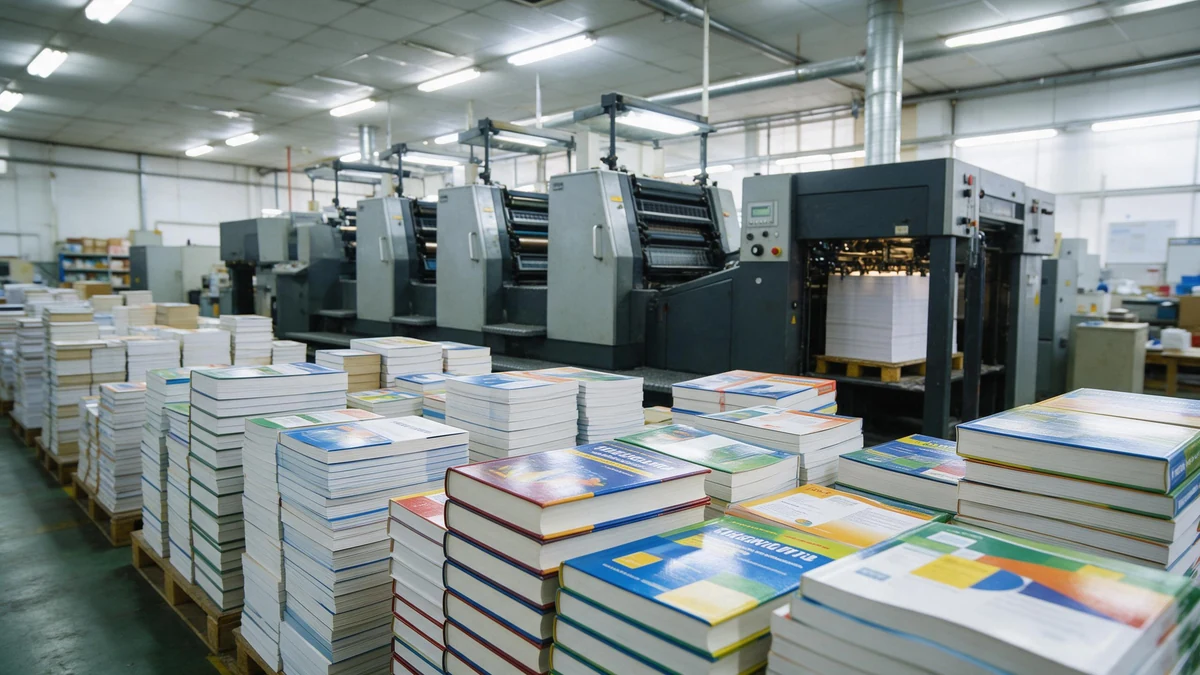
Textbook printing uses offset for runs above ~500 copies; digital wins on small orders and fast proofs.
How much does Textbook Printing cost? Offset versus digital, which one should you pick? What paper and binding options actually matter? And how do you prepare your files so that nothing goes wrong once it reaches the press?
LeadWorks suggests that you match your print method to your exact run size first, and then you lock in the paper weight and the binding before you go asking for quotes. That single habit tends to prevent most of the budget surprises and the reprints you would otherwise run into.
Quick Takeaways
- Choose offset printing above 500 copies for lower per-copy costs.
- Use perfect binding for textbooks over 80 pages; saddle-stitch for thinner workbooks.
- Set text paper at 70–80 gsm, covers at 250–300 gsm.
- Pick digital for small runs shipping proofs in 3–5 business days.
- Submit print-ready PDFs with 3mm bleed and embedded fonts.
What Is Textbook Printing and Who Needs It?
Textbook printing is basically the process of making bound educational books, anywhere from a single proof copy to runs of 10,000 or more, using either digital or offset presses. The go-to method for large runs is offset printing, which gets cheaper per book as the quantity climbs. The type of buyer you are decides nearly every spec that comes after, because three groups buy textbook printing and their needs rarely line up with each other.

Self-publishers, schools, and professors — each buyer profile pulls the spec in a different direction.
- Self-publishers and independent authors: These folks order 25 to 500 copies. What they care about most is low minimum runs and an affordable price per book. Print-on-demand or short-run digital fits them best, since offset setup fees rarely make sense below 300 copies.
- Schools and institutions: These buyers order 1,000 or more copies, with repeat reprints each term. Offset printing wins here on cost. Durability really matters, because these books survive years of being tossed in backpacks, so case binding, which is a hard cover glued and sewn to the pages, is the standard choice.
- Professors building course packs: They order 30 to 150 copies per semester. What they need is fast turnaround and flexible page counts, since the content changes from year to year. Perfect binding, meaning a glued spine like a paperback, along with single-colour text, keeps the costs down.
Volume, binding, and budget all pull against each other. A professor printing 80 custom coursebooks pays more per copy than a school ordering 5,000, but the professor avoids the offset setup fee. One textbook-printing provider lists paperback turnaround at 7 to 10 days versus up to 21 business days for hardcover. Matching your run size to the right method is essentially the whole game. LeadWorks builds quotes around these three buyer profiles, since binding choice and color pages drive the cost far more than page count does on its own.
How Much Does It Cost to Print a Textbook?
Textbook printing costs roughly $4 to approximately $18 per copy at mid-run volumes (500,1,000 units). A 300-page black-and-white paperback lands near the low end, while a full-color hardcover sits at the top. Four drivers set your exact price: binding type, paper weight, color versus B&W interior pages, and total run size.
Color is the single biggest cost jump. A black-and-white page costs a fraction of a cent to print; a full-color page can cost 5,8 times more. Printing guidance for schools even recommends single-colour text wherever possible to cut both complexity and cost.
What Are the Four True Cost Drivers?
Each of the four drivers moves your per-copy price independently. Here is how they stack up:
- Binding type: Perfect binding (glued spine) is cheapest; case binding (hardcover with stitched signatures) adds approximately $2–$5 per copy.
- Paper weight: Standard 70gsm text paper is baseline; upgrading to 80gsm or coated stock raises paper cost 15–approximately 25%.
- Color vs B&W: Mixed-color interiors cost more than full B&W but less than all-color.
- Run size: Offset printing spreads plate setup across the run, so unit cost drops sharply past 500 copies.
Paperback vs Hardcover — A Real Example?
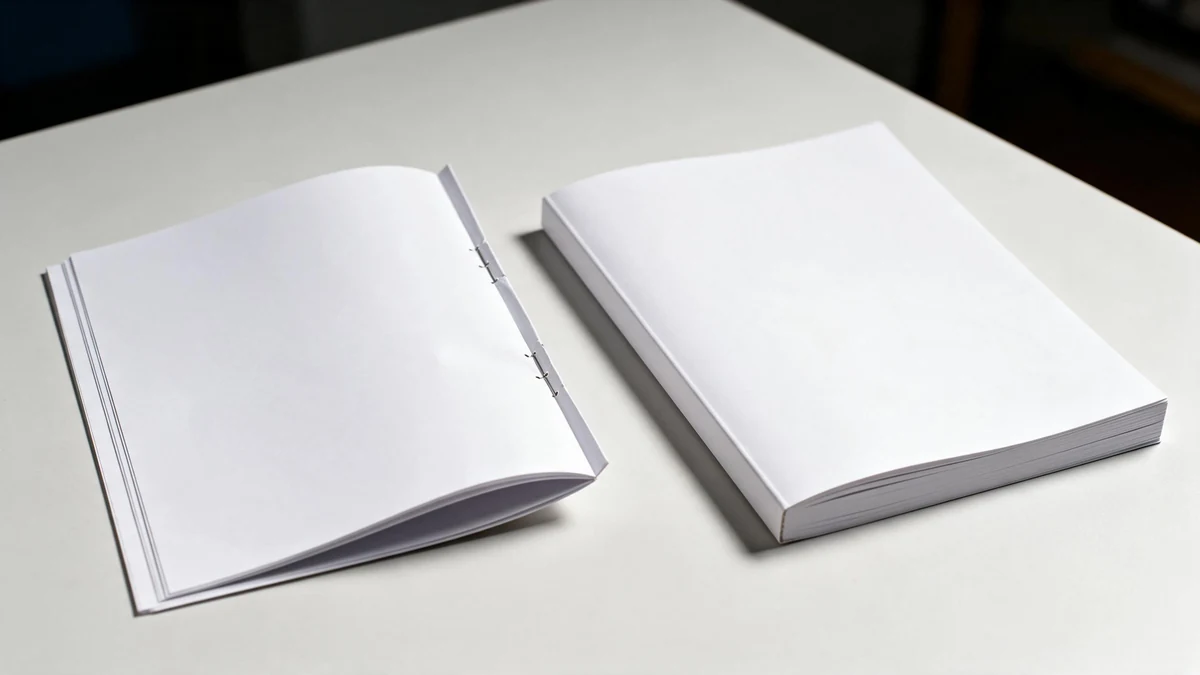
The same page count swings roughly 3× from a B&W perfect-bound paperback to a color case-bound hardcover.
Comparing the two formats at the same page count shows the swing those drivers produce. A 300-page B&W perfect-bound paperback at 1,000 copies runs about $4.50,approximately $6 each. The same page count as a full-color case-bound hardcover jumps to $14,$18 each,roughly triple. Textbooks are usually run on offset presses once volume passes a few hundred copies. For color-heavy editions, LeadWorks advises locking paper weight and binding early, since those two choices alone can swing your budget by 40%.
How Much Does It Cost to Print a 500 Page Book Across Different Run Sizes?
A 500-page book runs somewhere around $9 to $14 per copy when you only order 25 units, but that price drops to roughly $4.50 to $8 per copy once you reach 1,000 units for a black-and-white paperback. The biggest savings actually show up between 100 and 500 copies, which is the point where offset printing takes over from digital printing and the cost per book can fall by 40% or even more.
Short print runs get produced digitally, meaning there are no metal plates and no setup work involved, though the trade-off is a higher cost per page. Once you pass somewhere around 300 to 500 copies, offset printing, which uses metal plates to stamp the ink onto the page, spreads its one-time setup fee across a larger number of copies, so every additional book ends up costing less. The table below shows how all of this plays out across the different formats.
| Format (500 pages) | 25 copies | 100 copies | 500 copies | 1,000 copies |
|---|---|---|---|---|
| B&W paperback | $13.50 | $9.80 | $6.20 | $4.70 |
| Color paperback | $42.00 | $31.00 | $18.50 | $13.90 |
| Hardcover (B&W) | $21.00 | $15.50 | $10.80 | $8.60 |
Print-on-demand stops being sensible once you get past roughly 300 copies, because the extra cost of digital printing per copy starts to outweigh the one-time setup fee that offset charges. For textbook printing runs above 500 copies, offset is almost always the cheaper choice, and that is especially true for color interiors, where the cost of digital toner adds up quickly. You can see this in the color paperback dropping from $42 at 25 copies all the way down to $13.90 at 1,000.
LeadWorks suggests a simple way to decide. If your reorder cycle is short and your quantities stay under 200, stick with digital printing because it gives you more flexibility. If instead you need 500 or more color pages bound as a hardcover, go ahead and commit to offset and ask for a breakdown of the plate costs so you understand exactly where that threshold falls.
Which Printing Method Fits Your Use Case—Print On Demand vs Offset?
Go with print-on-demand (POD), where copies get printed only as orders come in, for runs under 200 copies, and choose offset for anything above 500. Between 200 and 500 copies sits the breakeven zone, where offset’s setup cost spreads thin enough to undercut the per-unit pricing of POD. Textbooks are typically printed using offset for large runs because the price per copy keeps dropping as the volume climbs.
Common mistake: Ordering 300 copies via offset to “save money” at scale. This happens because people assume offset is always cheaper, but its setup costs only pay off above roughly 500 copies—below that, you’re overpaying for plates and setup. The fix: match your print method to your exact run size first—use digital under 500 copies for lower setup fees and 3–5 day turnaround.
Which method matches your role?
Your print count and how often you update the content decide the answer, and not your budget alone.
| Buyer type | Typical quantity | Best method | Why |
|---|---|---|---|
| Self-publisher | 1–50 | Print on demand | No inventory to hold; you print as sales come in |
| Course-pack professor | 30–120 per term | Print on demand | The content changes each semester |
| School district adoption | 500–5,000 | Offset | Lowest cost per copy at scale |
Where does offset win on cost?
Offset generally wins on cost once the volume dilutes its fixed overhead. It carries a plate and makeready charge, often somewhere between $300 and $800, and that gets spread across the whole run. At 100 copies that overhead swamps the per-unit price, but at 500 copies it nearly vanishes. That’s why the crossover point usually lands at 200 to 500 copies for a 300-page textbook.
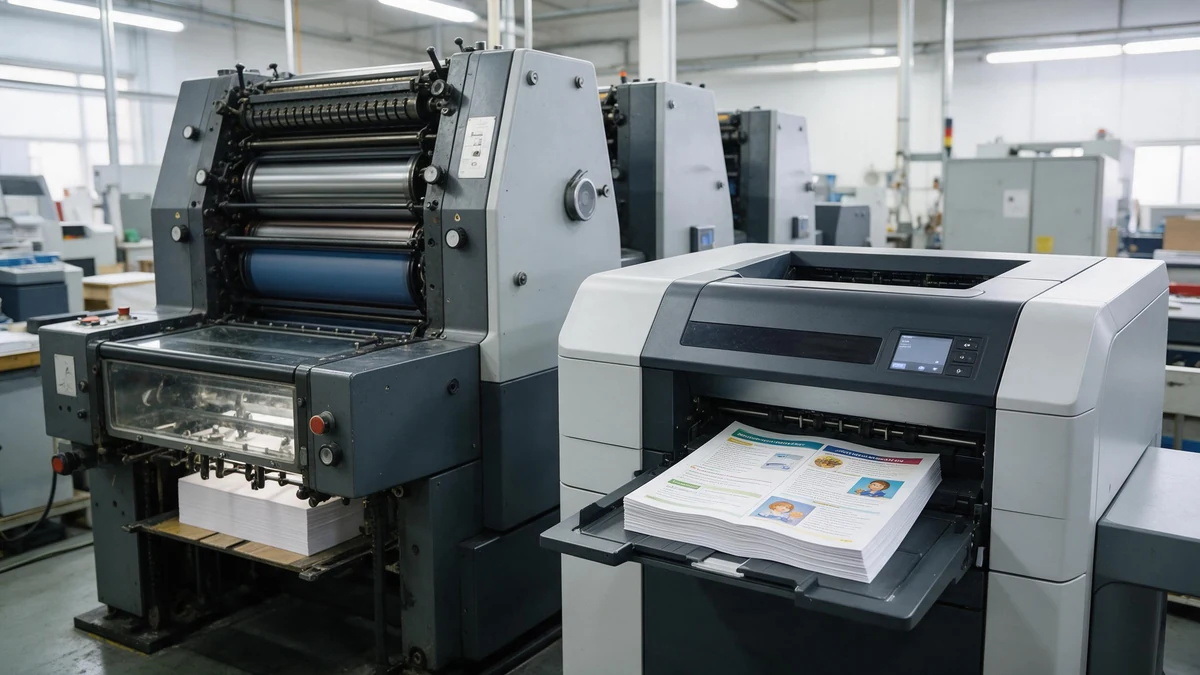
Offset spreads its plate and makeready charge across the run, so unit cost drops sharply past 500 copies.
The quality differs too. Offset delivers sharper halftones and truer CMYK color, which makes it ideal for diagram-heavy textbook printing. POD uses toner or inkjet, which is fast and flexible, though the image detail comes out slightly softer. For single-color text bodies, the gap is barely visible at all. LeadWorks runs offset lines for publisher-grade bulk orders while keeping short-run digital available for proofs and course packs.
How Do You Print Your Own Textbook Step by Step?
Printing your own textbook takes five steps: finalize the manuscript, pick a publisher or printer, upload print-ready files, approve a proof, then print and distribute. Paperback runs usually ship in 7,10 days, while hardcover can take up to 21 business days. Match the vendor type to your goal before you pay.
What does the self-publishing workflow actually look like?
Start by locking your manuscript. Once you upload, changes cost money,most printers charge re-upload or reflow fees after the file is accepted. Then build a print-ready PDF (covered in the next section), submit it, and request a physical proof.
The proof is the step people skip and regret, because screen color never matches paper. Check the spine text, page order, and gutter margin (the inner edge swallowed by the binding) on a real copy before you approve the full run. Textbook printing workflows run through three stages: pre-press, press work, and post-press binding.
Do you need a books-on-demand publisher or a pure print vendor?
It depends on whether you are selling to the public or just producing copies,and the two vendor types aren’t the same thing.
- Books-on-demand publisher: assigns an ISBN, lists your book on retail channels, prints one copy per order, and handles fulfillment. You trade margin for zero inventory.
- Pure print vendor: prints exactly what you order and ships it to you. No ISBN, no retail listing—you handle sales yourself. This is cheaper per copy on bulk runs.
Course instructors printing 300 copies for a single semester want a print vendor. Authors selling to the public want a POD publisher. LeadWorks operates as a print manufacturer with in-house process control, so classroom and bulk buyers get direct pricing without the retail markup a publisher adds on every unit.
What File Prep Does a Textbook Need Before Printing?
A print-ready textbook file needs a PDF with 0.125-inch bleed on all edges, fonts fully embedded, images at 300 DPI in CMYK color (2026), and safe margins that keep text away from trim lines. Miss any one of these and the printer either rejects the file or ships a flawed batch you paid for.
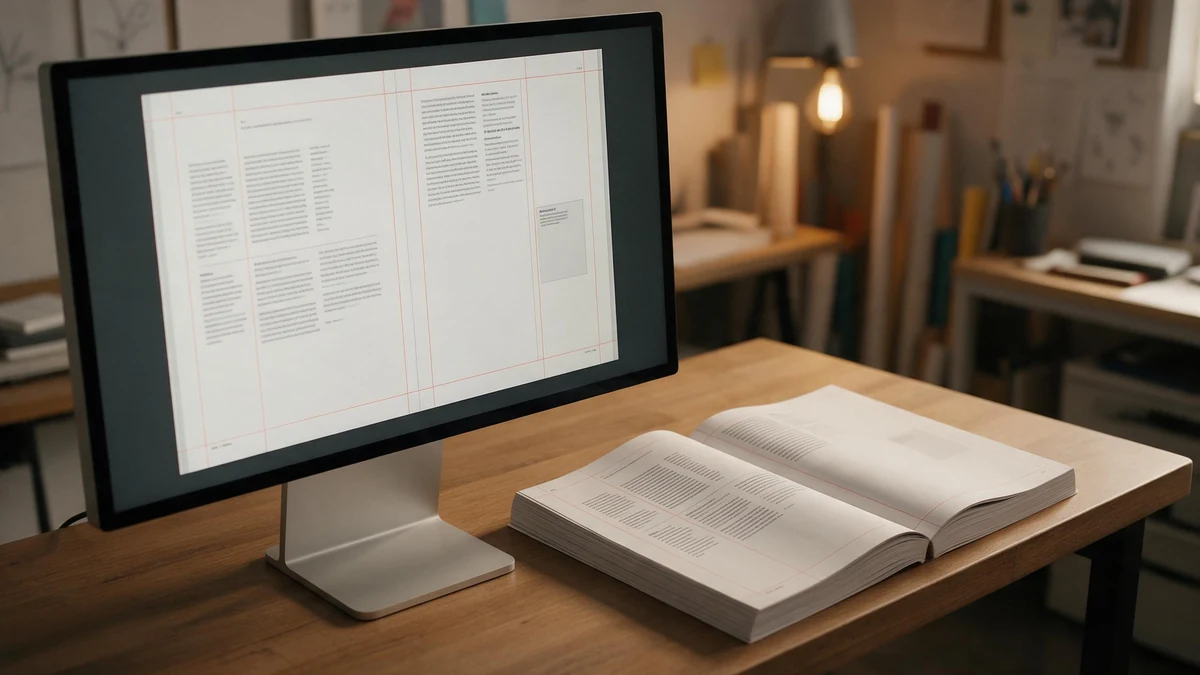
Print-ready PDFs need 3 mm bleed, embedded fonts, 300 DPI CMYK images, and a physical proof.
Work through this pre-flight list before you upload:
- Bleed: Extend any background or photo that touches the page edge by 0.125 inches past the trim line, so nothing shows a white sliver after cutting.
- Safe margin: Keep all body text and page numbers at least 0.25 inches inside the trim edge.
- Embedded fonts: Flatten or embed every typeface. A missing font reflows your whole layout.
- Image resolution: 300 DPI at final print size—a 72 DPI web image prints blurry.
- Color mode: Convert RGB screen colors to CMYK (the four ink channels a press uses), or bright blues and greens will shift dull.
What Layout Problems Hit Textbooks Specifically?
Gutter loss is the big one. On a 500-page perfect-bound book, the glued spine swallows inner-margin space, so text set too close to the fold disappears into the binding. LeadWorks advises adding 0.5 inches of inner margin on spines over 1 inch thick, versus the 0.25 inches a thin pamphlet needs.
Running heads cause the second failure. Chapter titles or page numbers that aren’t locked to a master page drift 1,2 points across sections, and the misalignment is obvious once stacked across 400 pages. Prepress checks catch both before plates are made. Clean files cut reprint risk to near zero.
The Most Common Textbook Printing Mistakes Buyers Make
The four costliest textbook printing mistakes are miscalculating spine width, over-ordering a first run, skipping a physical proof, and picking thin paper that shows print through the page. Each one is avoidable. Each one can wipe out 10,30% of your budget or force a full reprint. Here’s how they happen and how to stop them.
Why does spine width get miscalculated so often?
Spine width is wrong because buyers guess it instead of calculating from page count and paper caliper. A 400-page book on 80gsm paper has a very different spine than the same book on 100gsm stock. Get it wrong by even 2mm and your cover text sits off-center or wraps onto the back. The fix: ask your printer for the exact spine measurement after you lock the final page count and paper. LeadWorks runs this calculation in-house before any cover file is approved.
How big should a first run actually be?
Smaller than you think. New buyers often order 2,000 copies to chase the per-unit price drop, then store 1,500 unsold books for years. Since offset printing is the standard method for large textbook runs, the temptation to go big is real,but a 500-copy test run protects your cash and lets you fix errors before scaling.
What does skipping a physical proof really cost?
A reprint. Screen colors lie. Paper bleed-through, binding tightness, and ink density only show on a real printed sample. One skipped proof can mean reprinting the whole run,often 3,000,5,000 dollars gone on a mid-size job. Order a bound physical proof every time, and read dense-text pages against the light to check paper opacity.
How to Choose a Textbook Printing Company
Pick a textbook printing company by scoring five things: in-house process control, binding range, proofing policy, minimum order quantity (MOQ), and finishing like edge printing. Vendors that run pre-press, press, and post-press binding under one roof catch errors faster than ones that outsource steps. Match the vendor to your run size, not their marketing.
What should you check before signing?
Check whether the printer owns its presses and bindery. Outsourced steps add handoffs, and every handoff is a place for a color shift or a mis-trim to slip through. Ask about proofing: a hard-copy proof catches spine and color problems that a PDF proof hides. Confirm the MOQ,offset shops often set a floor of 300,500 copies, so a 50-copy order gets quoted at digital rates.
Which vendor type fits your project?
Different vendors suit different runs. Single copies go to consumer print-on-demand platforms. Mid-to-high-end runs with special finishing go to integrated manufacturers.
| Vendor type | Best run size | Binding options | Edge printing |
|---|---|---|---|
| Consumer POD | 1–100 copies | Perfect bind only | No |
| Local digital shop | 50–500 copies | Perfect, spiral | Rare |
| Integrated manufacturer (e.g., LeadWorks) | 500+ copies | Perfect, Smyth-sewn, case | Yes |
LeadWorks fits mid-to-high-end offset runs where in-house process control and special processes like edge printing matter,think premium textbooks or coursebooks needing sewn binding. Since textbooks mostly use offset printing for large runs, an integrated shop controls cost at volume. For one or two copies, a POD platform wins on price every time.
Frequently Asked Questions About Textbook Printing
Short answers to the questions buyers search most before placing a textbook printing order. Each one covers turnaround, single-copy pricing, ISBN rules, and whether office supply stores can handle the job.
Will Staples print a textbook?
Staples prints and binds single documents up to a few hundred pages using digital machines and coil, comb, or tape binding. It works for a classroom draft or one proof copy. For perfect-bound textbooks with a printed spine or runs over 50 units, a dedicated book printer gives better quality at a lower per-copy cost.
What’s the cheapest way to print a single copy?
Print-on-demand (POD) is the cheapest route for one copy, since it carries no setup or plate fees. A 100-page PDF often prints and binds for under $12 through on-demand services. To cut cost further, keep interior pages single-colour, which lowers complexity and ink cost.
How long does textbook printing take?
Paperback textbook printing usually takes 7,10 days, while hardcover editions can run up to 21 business days. Some POD providers advertise a 5,7 business-day standard turnaround. Add 3,5 days for shipping and 1,2 days if you need a physical proof before the full run.
Can you print a textbook without an ISBN?
Yes. An ISBN is a retail tracking number, not a printing requirement. You can print and distribute copies for a single course or internal use with no ISBN. You only need one to sell through retailers like Amazon or bookstores. LeadWorks runs files with or without an ISBN barcode, so the choice stays with you.